

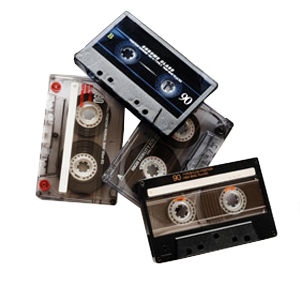

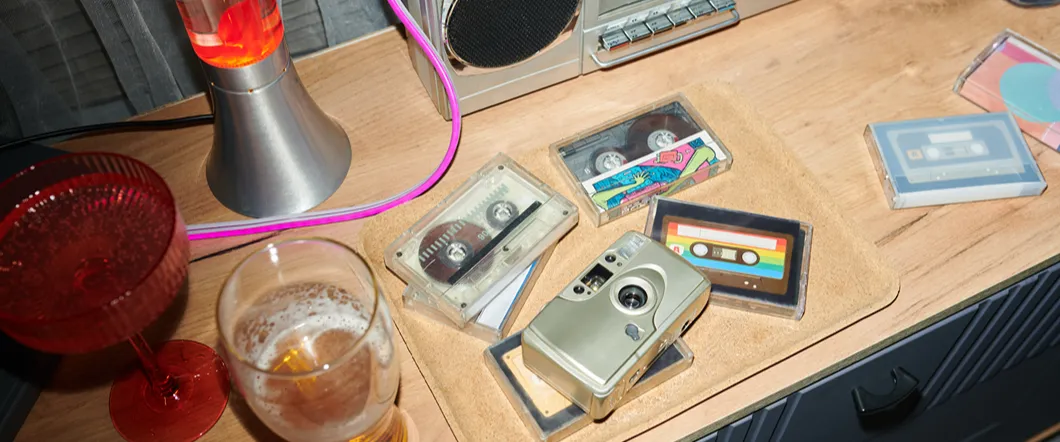
Dolby noise reduction can affect how an old cassette sounds when you convert a cassette to digital. If a tape was recorded with Dolby B or Dolby C, the playback settings should match the recording as closely as possible. Using the wrong setting can change the high frequencies, emphasize cassette tape hiss, or make the recording sound unusually dull.
For old family recordings, music, interviews, and other cassettes, identifying the original noise-reduction setting can help produce a more natural cassette audio transfer.
What Dolby Noise Reduction Does
Analog cassette tape naturally produces background hiss, especially in quieter passages. Dolby noise reduction was developed to reduce the audibility of that noise.
Dolby B and Dolby C use complementary processing during recording and playback. The recording process emphasizes certain low-level portions of the signal, while properly matched playback reverses that processing and reduces the tape noise along with it. Dolby B provides more moderate noise reduction, while Dolby C applies stronger processing.
Dolby B Was Common On Consumer Cassettes
Dolby B became widely used on home cassette decks and commercially prerecorded tapes. It primarily reduces noise in the higher frequencies, where cassette hiss is most noticeable.
A Dolby B cassette should ideally play back with Dolby B decoding. If you play it without the corresponding noise reduction, the recording may sound brighter and hissier than intended.
The effect can vary from tape to tape, so the correct setting should come from the original recording information when available rather than from an assumption that every older cassette used Dolby B.
Dolby C Uses Stronger Noise Reduction
Dolby C appeared later and provides substantially more noise reduction than Dolby B. It also applies its processing over a broader frequency range.
That stronger processing makes correct playback more important. A Dolby C cassette played without Dolby C decoding can sound noticeably unnatural, with exaggerated high frequencies and altered tonal balance.
Likewise, selecting Dolby C for a recording that wasn’t encoded with it can remove too much high-frequency information and leave the audio sounding muffled.
The Wrong Dolby Setting Can Change The Transfer
When you digitize a cassette, the digital file captures the signal produced by the cassette deck. If the deck applies the wrong Dolby setting during playback, those tonal changes become part of the captured audio. Common signs of a mismatch can include:
- Excessive Cassette Tape Hiss
- Unusually Bright High Frequencies
- Dull Or Muffled Audio
- Reduced Clarity
- Uneven Tonal Balance
- Audio That Sounds Different From The Original Recording
Check The Cassette & Case For Dolby Markings
Before transferring a tape, check the cassette shell, case, handwritten label, and original packaging for a Dolby symbol or a reference to Dolby B or Dolby C.
Commercially recorded tapes often identify the noise-reduction system directly. Home recordings can be harder to determine because the person who made the recording may not have marked the setting.
If you can’t identify the format from the label, careful playback comparison may help determine which setting produces the most natural result.
Playback Equipment Still Matters
Correct Dolby decoding depends on the cassette deck reproducing the tape accurately. Head alignment, playback level, tape condition, and the original recording deck can all influence what you hear.
A poorly aligned or deteriorated cassette may still sound dull, noisy, or unstable even when you select the correct Dolby setting. This is one reason cassette digitization involves more than connecting any working tape player to a computer.
Our audio transfer technicians use professional playback equipment and can evaluate recordings that have speed, noise, or other audio issues before creating the final digital files.
Don’t Use Dolby Simply To Hide Hiss
If a cassette has noticeable hiss, turning on Dolby when the tape wasn’t recorded with it may seem to improve the noise at first. The tradeoff is that it can also suppress legitimate high-frequency content from the recording.
Preserving the recording accurately should come before making it sound artificially quiet. Once the cassette audio transfer is captured correctly, appropriate digital audio restoration can address certain remaining noise problems without intentionally using the wrong playback decoding.
Convert Cassette Tapes With The Correct Playback Settings
Dolby B and Dolby C can make a meaningful difference during cassette digitization because the playback process needs to account for how the tape was originally recorded. Matching the correct noise-reduction setting helps preserve the intended balance between high-frequency detail and background hiss.
DVD Your Memories provides professional cassette audio transfer services throughout Southern California. We can convert cassettes to digital files or CDs while evaluating the playback characteristics of your recordings and preserving the best audio available from the original tape.