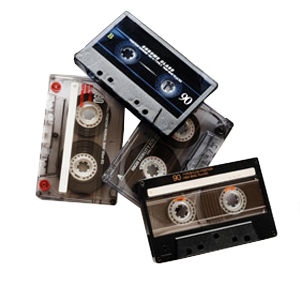
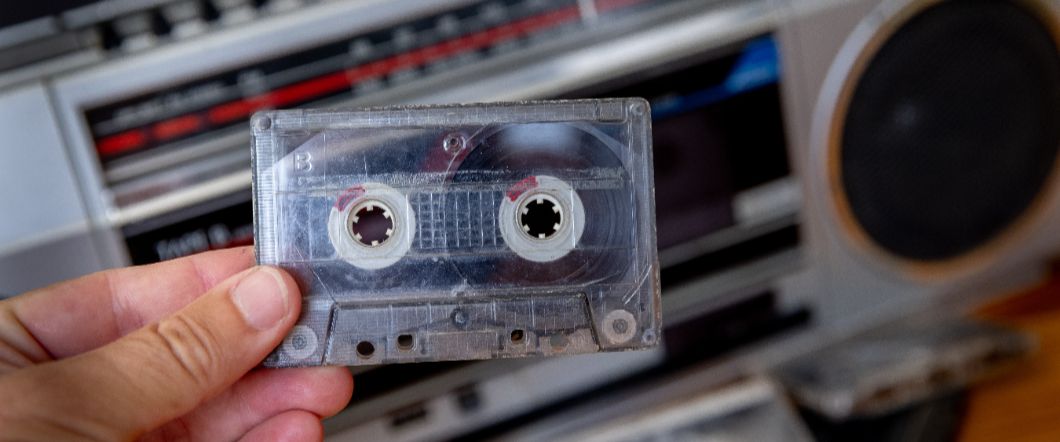
Learning how to convert cassette tapes to digital is one of the best ways to preserve old recordings before aging tapes lose their sound. Analog cassette tapes were widely used for decades, but the format was never meant for long-term preservation. Magnetic tape slowly deteriorates, playback equipment becomes harder to find, and repeated listening can damage the recording.
Converting audio cassette to digital protects the sound while allowing you to listen, store, and share the recordings on modern devices. Many people across Southern California turn to DVD Your Memories for professional cassette tape to digital conversion when they want to protect music collections, interviews, and family recordings stored on cassette tapes.
Why Converting Cassette Taapes To Digital Protects Your Recordings
Cassette tapes store audio using magnetic particles on thin tape. As tapes age, the recording quality can slowly decline, and mechanical wear can damage the tape. Turning cassette tapes into digital files preserves the original recording so it can be played without causing further damage to the tape.
- Long-Term Preservation: Digital audio files do not degrade from repeated playback the way analog tape does.
- Easier Listening: Once converted, recordings can be played on computers, smartphones, or digital media players.
- Simple Backup Options: Digital files can be stored on external drives or cloud storage.
- Easy Sharing: Family recordings and music can be shared digitally with friends and relatives.
- Audio Restoration Possibilities: Digital editing software can reduce noise or improve sound clarity.
How Cassette Tapes Deteriorate Over Time
Many people assume cassette tapes will last indefinitely if they are stored carefully. In reality, magnetic tape slowly degrades, and playback equipment can also affect the recording quality.
- Magnetic Signal Loss: The recorded audio gradually weakens as magnetic particles lose their alignment.
- Tape Stretching: Mechanical stress during playback can stretch tape and alter pitch.
- Binder Degradation: The adhesive that holds magnetic particles to the tape can break down.
- Mold Or Environmental Damage: Humidity and poor storage conditions can damage tape surfaces.
- Playback Wear: Each time a cassette plays, friction slowly wears the tape.
These issues are why many people choose to transfer cassette to digital before the tape becomes difficult to play.
Equipment Needed To Convert Cassette Tape To Digital
Converting audio tape to digital at home requires a few basic components to capture the audio signal from a cassette player. This typically includes a working cassette deck or player, a computer with an audio input, and the appropriate cables or adapters to connect the two. Recording software such as Audacity or GarageBand is used to capture and save the audio, while USB cassette converters combine playback and digital recording into a single device for a more streamlined setup.
Step-By-Step Process To Convert Cassette To Digital
The process to convert cassette tape to digital involves playing the tape while recording the audio signal on your computer. The recording must occur in real time, so the process takes about as long as the cassette itself.
- Insert the cassette into the player and rewind it to the beginning.
- Connect the cassette player’s audio output to the computer’s audio input.
- Open your recording software and select the correct input device.
- Press record in the software and then press play on the cassette deck.
- Monitor audio levels to prevent distortion during recording.
- Stop the recording once the cassette side finishes and repeat for the other side.
Editing & Exporting Your Digital Audio Files
Once the cassette transfer to digital is complete, basic editing helps organize and improve the recording before saving the final files. This process may include trimming silent sections at the beginning or end, splitting long recordings into separate tracks, reducing background noise or tape hiss, adjusting volume levels for consistent playback, and adding file names or track labels for easier organization. You can also choose to have your recordings transferred to CDs for easy playback and sharing.
Common Challenges When Converting Cassette Tape To Digital
While cassette tape conversion is possible at home, beginners often encounter technical issues that affect sound quality or make the process frustrating. Aging playback equipment and fragile tapes are common sources of problems.
- Worn Cassette Players That Produce Distorted Audio.
- Incorrect Recording Levels That Cause Clipping Or Low Volume.
- Tape Speed Issues That Change Pitch.
- Background Noise Or Mechanical Sounds.
- Difficulty Connecting Older Audio Equipment To Modern Computers.
When Professional Cassette Tape Conversion Is Worth Considering
Some recordings require specialized equipment or careful handling to capture the best possible audio. Professional cassette transfer to digital services is often used when recordings are valuable or when large tape collections need to be converted efficiently.
- High-Quality Cassette Decks Designed For Accurate Playback.
- Professional Analog-To-Digital Conversion Hardware.
- Audio Restoration Tools For Noise Reduction.
- Careful Handling Of Fragile Or Aging Tapes.
- Efficient Processing Of Large Tape Collections.
Preserve Your Audio Recordings Before They Are Lost
Old cassette tapes continue to degrade every year, which means important recordings can eventually become difficult or impossible to play. Converting cassette tapes to digital format protects the sound while making it easier to listen to and store the recordings on modern devices.
If you want to preserve your recordings without worrying about equipment or audio quality, DVD Your Memories offers professional cassette tape conversion services that turn audio cassette recordings into reliable digital formats. Visit one of our shops to start your cassette transfer to digital and protect your recordings before time and tape deterioration make recovery more difficult.