






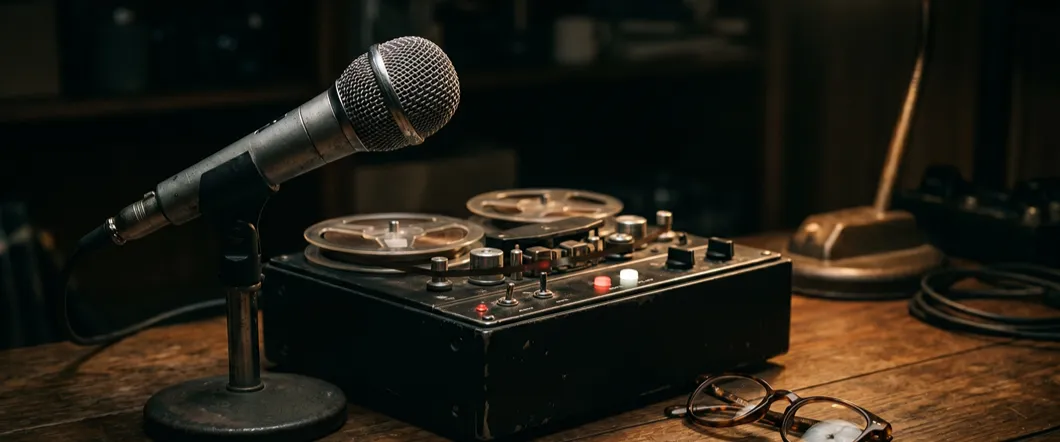
Reel-to-reel tape speeds determine how quickly a recording plays back and whether voices and music sound as intended. If you’re preparing older tapes for audio reel conversion in Southern California, matching the original recording speed is essential.
The correct setting preserves the intended pitch and pace of family conversations, interviews, and musical performances.
What IPS Tape Speed Means
IPS stands for inches per second. A reel-to-reel tape recorded at 7½ IPS moved seven and a half inches of tape past the recording head each second. During playback, that same speed reproduces the recording at its intended pace and pitch.
IPS isn’t the reel’s rotation rate. As tape moves from one reel to another, the reels turn at changing rates because the wound tape’s diameter changes.
Common Reel-To-Reel Speeds & Their Uses
Home recordings often used 1⅞, 3¾, or 7½ IPS, while professional recordings also used faster settings. Slower speeds stretched the available recording time; faster speeds generally favored sound fidelity.
You may also encounter 15/16 IPS on long-duration logging recordings.
These typical uses provide clues, but they don’t prove which speed your tape needs.
- 1⅞ IPS: Often used for extended speech recordings.
- 3¾ IPS: A common home-recording speed for conversations, events, and radio recordings.
- 7½ IPS: Often chosen for home music recording and some broadcast applications.
- 15 IPS: Widely used for professional music recording and radio production.
- 30 IPS: Used in professional recording where extended high-frequency response was a priority.
How Magnetic Tape Speed Affects Sound Quality
Faster recording speeds generally capture a wider range of frequencies, helping preserve higher-frequency detail in voices and instruments. More tape passes the head during each second of sound, spreading the recording over a greater length of tape.
That doesn’t mean playing an existing recording faster improves its quality. A tape recorded at 3¾ IPS needs playback at 3¾ IPS to sound right. Changing the playback setting alters the recording’s pace and pitch rather than adding detail that wasn’t captured originally.
Why Slower Speeds Mean Longer Recordings
For the same tape length, halving the speed doubles the available recording time. That’s why two equally full reels may contain very different amounts of audio.
For example, 1,200 feet of tape provides approximately the following running times for one continuous pass. These estimates don’t account for blank sections, leader, or additional programs recorded in the opposite direction.
- 1⅞ IPS: About 128 minutes.
- 3¾ IPS: About 64 minutes.
- 7½ IPS: About 32 minutes.
- 15 IPS: About 16 minutes.
What Happens At The Wrong Playback Speed
If you play a 3¾ IPS recording at 7½ IPS, it runs twice as fast and sounds an octave higher. Reverse those settings, and the recording lasts twice as long with the pitch an octave lower. Voices may sound unusually squeaky or deep, and familiar music immediately feels wrong.
Speed fluctuations are a different problem. If pitch wavers while the tape plays, the recorder may have transport issues. Don’t assume another speed will fix every unusual sound.
How To Identify An Unmarked Tape’s Speed
Start with the box, reel label, and any notes stored with the recording. Look for IPS markings, recording dates, track information, or the original reel-to-reel tape recorder model.
If documentation is missing, controlled playback on suitable equipment may help identify the speed. You don’t need to test valuable tapes yourself before asking about transfer.
Reel Size & Tape Width Aren’t Speed Settings
A reel’s diameter doesn’t tell you its recording speed. Tape length and thickness affect how much fits on the reel, while the original recorder’s setting determines how quickly it was used.
Tape width is another separate measurement. Many home recordings use ¼-inch tape. A 2-inch tape recorder handles the wider tape used in professional studio recording, often with multiple recorded tracks.
If you have wide studio tape, confirm its width, track format, and transfer availability before submitting it. A machine intended for home reels won’t handle every professional format.
Matching Speed Is Only Part Of Correct Playback
Your vintage reel-to-reel tape recorder also needs to match the tape’s track layout. Mono, stereo, half-track, and quarter-track recordings require the right playback setup.
The National Archives notes that matching the playback head to the recorded track layout is important for good sound reproduction.
Playback equalization matters, too. It compensates for the frequency adjustments used during recording and must match the original recording standard. These details explain why a reel might sound dull, noisy, or incomplete even when its speed seems correct.
Preserve Your Reels At Their Intended Speed
Contact DVD Your Memories with your reel count, label photos, and any known speed or track information to discuss your audio reel conversion. We offer digital audio files and CD options, plus Southern California drop-off locations and mail-in service.