



Turning old family media into a reunion slideshow or video archive can help you share decades of memories in one organized, watchable format. If you have photo boxes, VHS tapes, camcorder footage, slides, or loose digital files, you can turn them into something your family can enjoy together instead of leaving everything in storage.
Start With The Story You Want To Tell
A family slideshow works best when it has a clear shape. You may want to cover one branch of the family, one person’s life, a shared hometown, a wedding anniversary, or a full multi-generation story.
Before you digitize photos or convert tapes to digital, decide what kind of finished piece you want. A short memories slideshow for the reunion dinner needs a different structure than a full archive meant for long-term family storage.
- A Couple’s Anniversary
- Family History Across Generations
- Childhood & Cousin Memories
- Holiday & Vacation Highlights
- Memorial Or Tribute Video
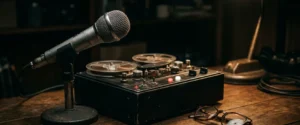
Gather Photos, Tapes, Slides & Audio In One Place
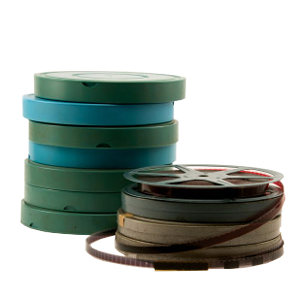
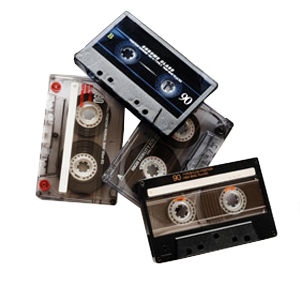
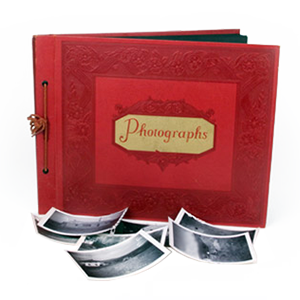
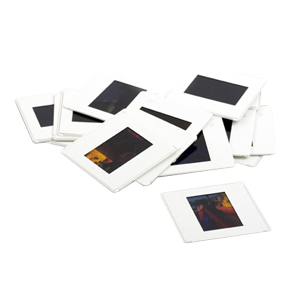
Family media often lives in more than one closet. You may have printed photos in albums, VHS tapes in a cabinet, slides in boxes, and camcorder tapes with no working camera nearby. Start by gathering everything in one safe, dry place.
Keep original envelopes, labels, and handwritten notes with the media. Those details may help you identify dates, locations, relatives, and events later. Even a faded photo sleeve can give you clues that make the final video archive more meaningful.
Separate Display Pieces From Archive Pieces
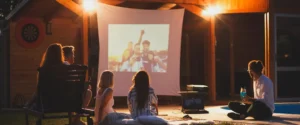
You don’t need to show every image at the reunion. A slideshow with music should feel paced and enjoyable. A video archive can hold the fuller collection for relatives who want to explore more after the event.
This split helps you avoid making one project do too much. Your reunion slideshow can stay focused and emotional, while the archive can preserve the broader family record.
Digitize Photos Before Building The Slideshow
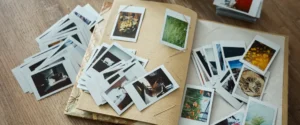
Printed photos need scanning before you can use them in a digital slideshow. Good scans help preserve the image, reduce handling of fragile originals, and give you files you can organize, copy, and share.
If you plan to create slideshow pictures for a large screen, scan quality matters. Clean digital files give you more flexibility when you add motion, titles, or music.
Convert Tapes To Digital Before Editing
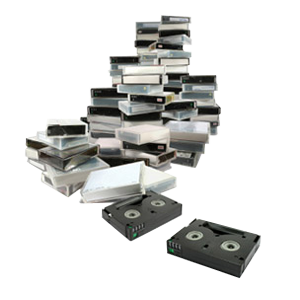
Old tapes can hold some of the best reunion moments: birthdays, graduations, holidays, backyard scenes, and relatives talking on camera. To use those clips in a family reunion video, you need to convert tapes to digital first.
VHS to digital transfer also helps protect footage before tapes degrade further. Once you have digital files, you can choose shorter clips for the slideshow and keep the full transfer as part of the archive.
Choose A Simple Order For The Slideshow
A strong family slideshow doesn’t need complicated editing. It needs an order that people can follow. Chronological order often works well, especially for birthdays, anniversaries, memorials, and multi-generation family stories.
You can also organize by theme if the collection spans many decades. Themes help when dates are uncertain or when several relatives contribute photos from different branches of the family.
- Oldest To Newest
- Childhood To Adulthood
- Grandparents To Grandchildren
- Family Branches
- Holidays And Traditions
- Homes, Trips, And Special Places
Use Music With Care
A slideshow with music can make the whole room feel connected, but the music should support the pictures instead of overpowering them. Choose songs that fit the family, the event, and the tone of the gathering.
For a longer video archive, you may want less music or no music in certain sections. Natural audio from old tapes can matter more than a soundtrack, especially when you can hear a relative’s voice, laugh, or story.
Keep Captions Short & Helpful
Captions can help younger relatives understand who they’re seeing. They also help preserve names and places that might otherwise get lost. Keep them brief so they don’t distract from the images.
- Names Of Relatives
- Approximate Year
- City Or Family Home
- Event Name
- Relationship To The Family
- Short Context For Rare Photos
Save The Final Files In More Than One Place
A finished slideshow should be easy to play at the event and easy to share afterward. Your archive should also have backup copies so one lost drive doesn’t put the whole project at risk.
Use clear folder names and file names. A folder called “Family Reunion Slideshow 2026” will help relatives understand what they’re opening years later. You can also keep one copy for viewing and another copy for safekeeping.
Turn Family Media Into A Shareable Archive
DVD Your Memories helps families in Southern California and through mail-in services digitize photos, transfer tapes, scan slides, and convert older media into digital files. If you want to create a slideshow for a family reunion or build a long-term archive, our team can help you prepare the media before you start editing and sharing.